Chapter 1 · Mission
Create Your Perfect AI Companion
Design Your Ultimate Creative Teammate
⏱ 45–50 minutes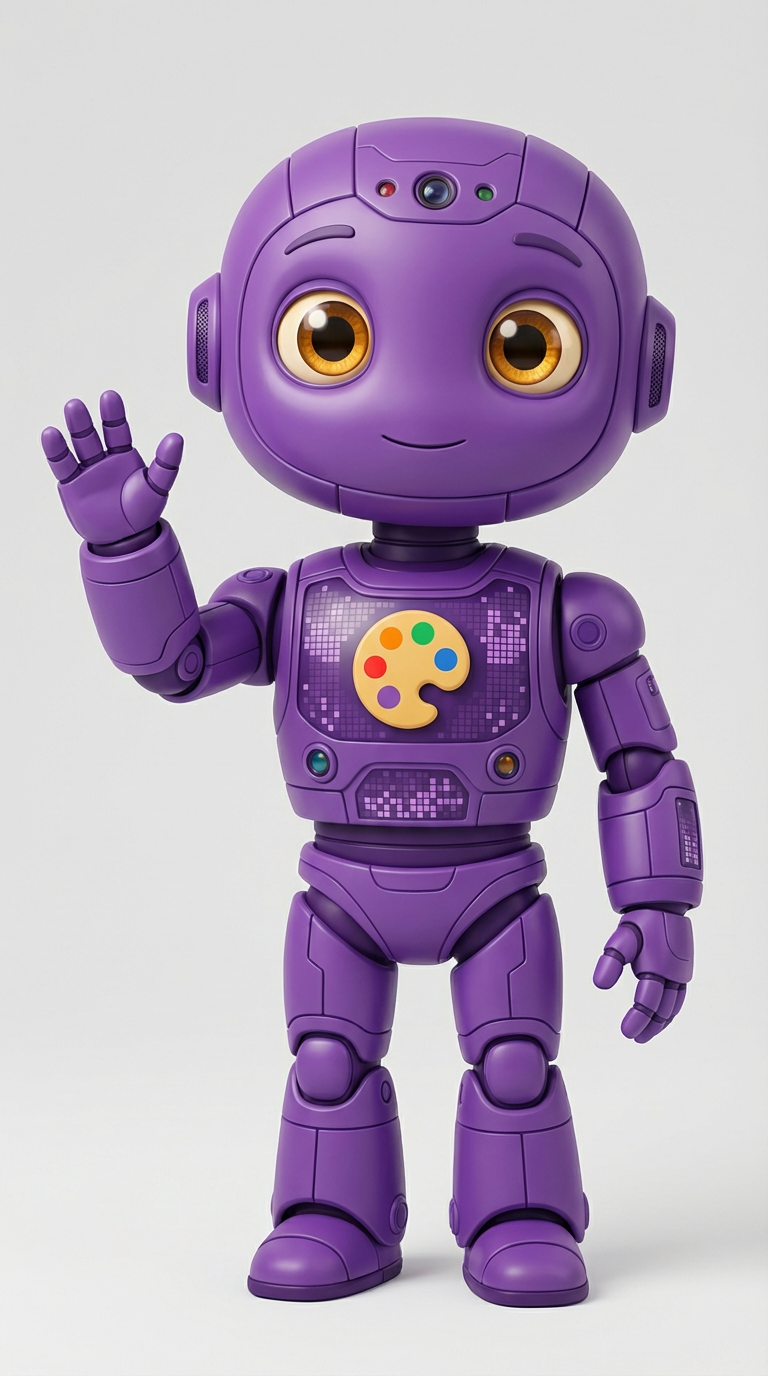
Design Your Ultimate Creative Teammate
⏱ 45–50 minutes
5 minutes — Imagination Time
Before we create anything, let's imagine your ideal AI creative companion. Grab paper and a pencil, and answer these questions:
What would they look like?
What would their special creative power be?
What makes them the perfect teammate?
You're establishing YOUR creative vision before AI gets involved. This makes you the director, not just a user clicking buttons.
10 minutes — Draw! (Stick figures are perfect!)
This step is CRITICAL! You draw first, before AI gets involved. This establishes YOU as the creative director.
Grab whatever you like to draw with—pencils, pens, crayons, markers. This isn't about being a "good artist." It's about capturing YOUR unique vision.
Draw your AI companion. Include:
Don't let your child skip this step! The hand-drawn version contains creativity that no AI can replicate. It establishes creative authority and gives them something to compare against AI output later.
Your rough sketch is worth MORE than a perfect rendering because it's YOUR vision, unfiltered. You're establishing creative authority right now.
2 minutes — Setup
If you still have your platform open from the Introduction: Just switch back to that browser tab or window and skip to Step 4!
If you need to access it:
If your child is comfortable with the platform from the Introduction, encourage them to use the same one again to build mastery. If they struggled, try a different option from the toolkit.
5 minutes — First Collaboration
Time to teach Pixel what you imagined! Find the Create/Generate button on your platform and click it. You'll see a text box.
Type a simple description based on your drawing:
Keep it simple for Version 1:
Click Generate/Create and wait 10–30 seconds. Look at the result! Pixel made something based on your basic description.
5 minutes — Refining
Now let's teach Pixel more! Look at your drawing and think about what's missing from Version 1.
Click to create again, and this time add:
"A friendly robot companion with glowing blue circuits and silver metal body, who has four arms for multitasking, big curious eyes, and carries art supplies. The robot looks encouraging and creative, with a warm smile, floating beside a kid who's drawing."
More details = better results! Generate again and compare this version to Version 1. Getting closer to your vision?
5 minutes — Creative Directing
This is where you become a true creative director!
Look at Version 2 and your original drawing. Ask yourself:
Refined Example: "A friendly robot companion with glowing electric-blue circuits running through silver metal body, four multi-jointed arms each holding different art tools (paintbrush, pencil, digital stylus, color palette), large expressive eyes that show curiosity and encouragement, gentle smile on metallic face, floating 3 feet off the ground with subtle energy glow underneath, positioned beside a diverse kid who's drawing at a desk, warm lighting, inspiring and creative atmosphere, digital art style"
Generate one more time! Then save all three versions so you can compare them.
To save each image: Look for "Download," "Save," or a download arrow icon. If that doesn't work, try right-clicking (computer) or long-pressing (phone/tablet) and choose "Save Image."
5 minutes — Evaluation
Close your eyes for a second and remember your ORIGINAL vision from your drawing. Now open your eyes, look at all three versions, and ask yourself:
"Which version captures the FEELING I wanted?"
Not the exact visual details—the creative essence. Does this feel like the companion you imagined?
"What's missing that made it MINE?"
Maybe it's a specific expression, the way they'd stand beside you, or that one detail only you would imagine.
"What did Pixel absolutely nail?"
Give credit where it's due! Maybe the colors are perfect, or there's a detail Pixel added that actually ENHANCES your vision.
This evaluation is where YOU prove you're the Creative Director, not just someone clicking buttons and accepting whatever appears.
10 minutes — Personalization
Here's where YOU bring something AI never could.
Look at your favorite version from Pixel (probably Version 3). On your original drawing OR on a printout of the AI version:
This combination—AI's polished execution + your unique human touches—is superhuman collaboration in action!
This step demonstrates that AI amplifies rather than replaces human creativity. The personal touches your child adds are what transform generic AI output into something meaningful and authentically theirs.
5 minutes — Making It Real
Your AI companion needs a name! Choose something that represents their personality and creative power.
By naming and defining your companion, you're practicing the same creative leadership you'll use with real AI systems throughout your life.
"Version 1 looks nothing like my drawing!"
Perfect! That's exactly why we do three versions. Pixel needs YOUR creative direction to understand your specific vision. Focus more on describing the FEELING and PERSONALITY rather than just physical details, and watch how Pixel gets closer each time.
"Pixel keeps making my companion too serious/silly/scary."
Add emotional keywords to your description! Try phrases like "friendly and warm," "playful but wise," "gentle and encouraging," or "enthusiastic and energetic." These mood cues tell Pixel the emotional tone you want.
"I can't think of how to describe what I want."
Try this: Imagine you're describing your drawing to a friend on the phone who can't see it. What would you say? How would you explain not just WHAT it looks like, but what it FEELS like? That's your description.
"All three versions look basically the same."
That might mean Version 1 was already pretty good! Or try adding MORE specific unique details: "wearing a purple cape with silver stars," "holding a glowing tablet," "one eye winks when thinking," "leaves a trail of sparkles when moving."
"The download button isn't working."
Try right-clicking (computer) or long-pressing (mobile) on the image and choosing "Save Image As." Different platforms have different save methods, but this usually works.
"Your vision + my execution + your personal touches = creative magic! But YOU'RE the director, always."